

Accelerate Part Research
Discover, Compare, and Select electronic parts in minutes vs. hours

Traditional Part Search … hours, sometimes days
Navigate DigiKey / Mouser for desired part type parametric filter
Progressively setup website parametric filters to narrow down results
Slow and cumbersome with variable layouts, limitations, and quirks
Review multitude of DigiKey / Mouser part webpages and info to narrow down to a short list of options
Search Manufacturer websites and read various Part websites and Datasheets
Create Excel file table of parts & specs to compare part specs
Transcribe datasheet specs into Excel file for comparison
Down select parts list for reading Datasheets
Compare Datasheets to narrow to just a few options
Email a detailed description of what parts to select and why
Meetings to discuss / clarify why one part is better and how it’s different

XELORATE Discovery … typically 5 - 10 min
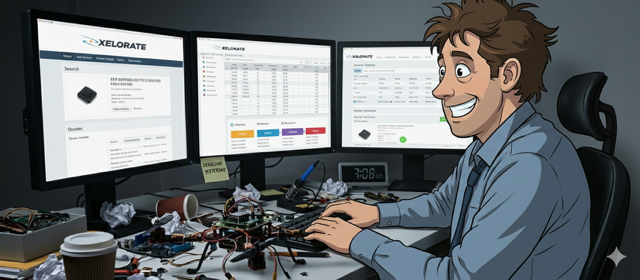
DISCOVER with Find Parts or Cross Parts
Industry wide parts database with TRUE Digital Specs
Advanced Search methods with intuitive settings
Spec Charts for quick compare and select top 5-10 parts for deep dive comparison
COMPARE with InSPEC to Charts, Images, and Documents side by side
Compare specs + part images in Charts mode
Compare datasheets, pinouts, schematics, etc side-by-side in Info mode
Downselect to top ~ 3-5 parts
SELECT with Snapshot Comparisons and Links
Select Spec charts, mechanicals, Pinouts, Schematics and Block Diagrams to compare
“SHOW” how the parts are different, which you prefer, and why with simple Copy&Paste
What took days, now takes minutes.
Roadmaps
Solutions
TRUE Digital Parts
Find Parts
Auto-Cross Parts
InSPEC Chart Comparisons
Parts Locker
Projects
Team Sharing
Community Parts
Publish to the Community
Roadmaps Solutions TRUE Digital Parts Find Parts Auto-Cross Parts InSPEC Chart Comparisons Parts Locker Projects Team Sharing Community Parts Publish to the Community
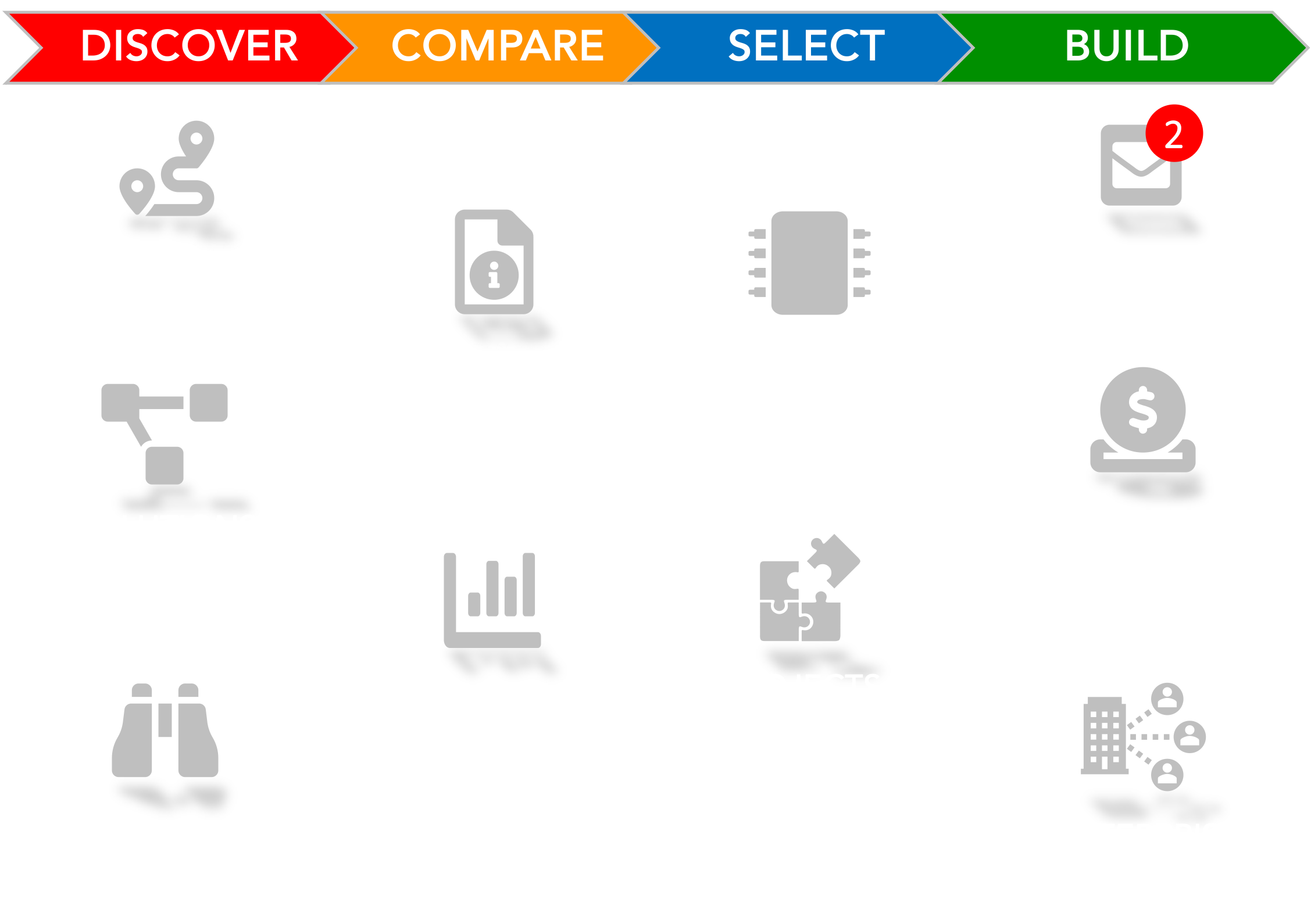
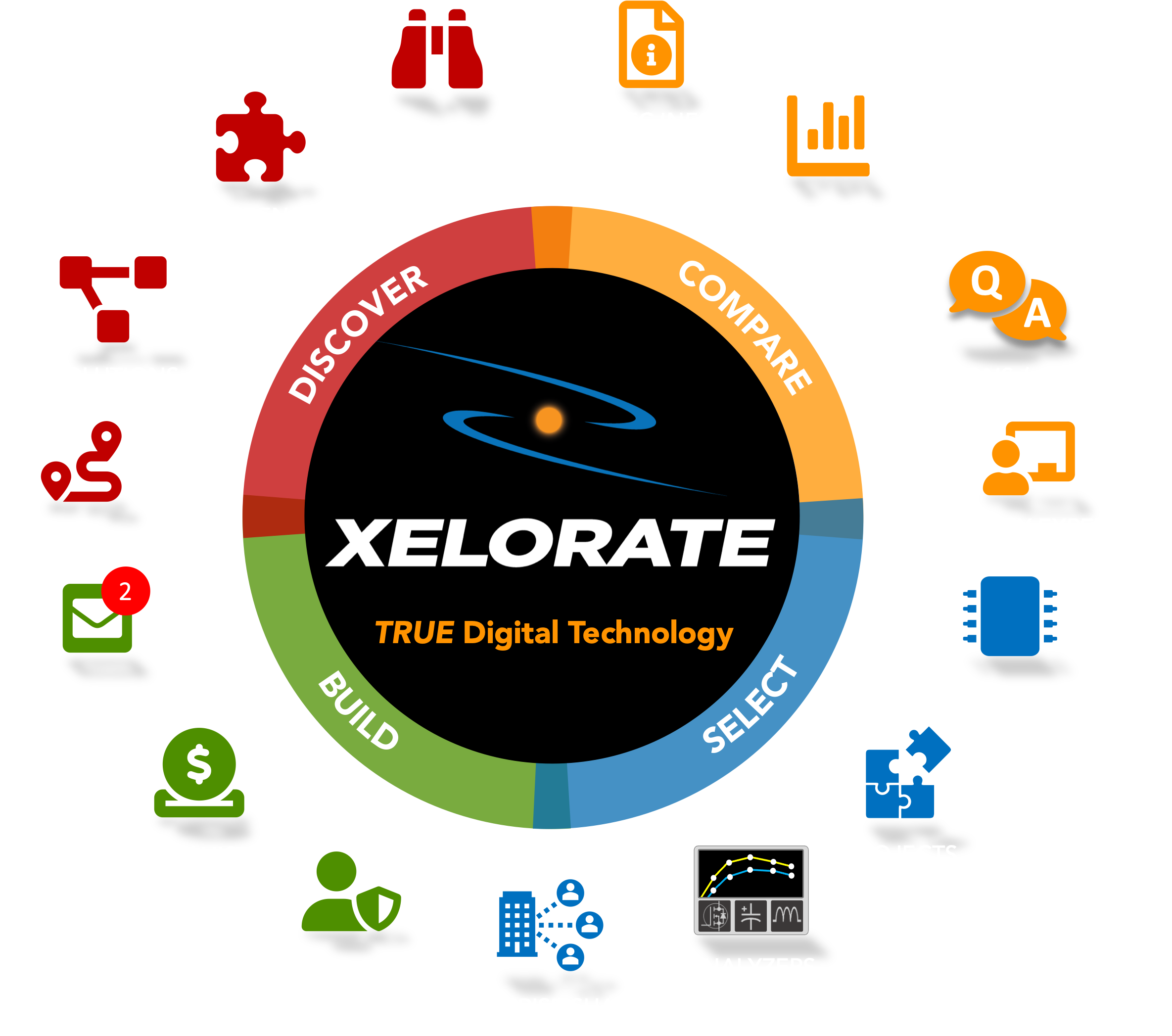
Extends and Accelerates electronic part research:
DISCOVER new product and technology Roadmaps, Solutions, and Parts
COMPARE parts efficiently + effectively with TRUE Digital Specs
SELECT which parts to save and share with your Team
BUILD with parts locker for Real-Time Life-Cycle Alerts, PCNs, Quotes / Lead Time
Electronic product development is increasingly more complicated because
Finding parts requires wading thru a Sea of Information

550+ Million parts
1000’s of part manufacturers
Changing websites with more logins
Cumbersome parametric searches
Countless data-sheets to read
Creating custom Excel files to compare
All the manufacturers do it differently, making it a Headache !
We’re now in an Information Paradox
Designed by Engineers to help Engineers at the Origin of Design
with the RIGHT Information at the RIGHT Time
Part Discovery Engine
Visualize Instantly
Organize Naturally
Supervise Effectively
-
Manufacturer Product Portfolios
Technology Roadmaps and Trends
New Product Releases
New Product Demo Videos
Company Profiles
Manufacturing / Operational Info
-
System Block Diagrams
Application Diagrams
Reference Designs
Circuit Recommendations
New Technology Fit and Value
-
Advanced Deep Search → Find more Relevant parts
Auto-Cross → Find better crosses faster & easier
Save to Locker → Monitor and reuse parts
Integrated Spec Charting → Quick Comparison and down selection
-
Visual Comparison Charts → TRUE Digital specifications
Auto-Organized part Viewer → Easy side-by-side viewing of Specifications and standarddocuments
Snapshot Comparisons → Specs, Pinouts, Schematics, Block Diagrams, part Images and dimensions
Part Links → Send to partners and customers
Copy&Paste to share → Snapshot Comparisons, Links, Spec Tables
-
Save / Add to Locker to monitor status, life cycle, quotes, and history
Share with your team to review, approve and re-use
-
Create Projects to organize priority parts, track status and multiple sources per socket
Share with your team to collaborate on part selection, approval, priority, and quotes
-
Share Parts, Projects, Analyzers, Roadmaps, and Solutions across your company
Share Confidential Projects and Solutions with partner companies to Collaboration
Reuse parts, projects, and info to speed up development
-
Parts Locker automatically monitors and alerts on any life-cycle changes, PCNs, or new Quotes
Control Relationships to prioritize preferred manufacturers and improve Supply Chain continuity
Accelerate Research and Development
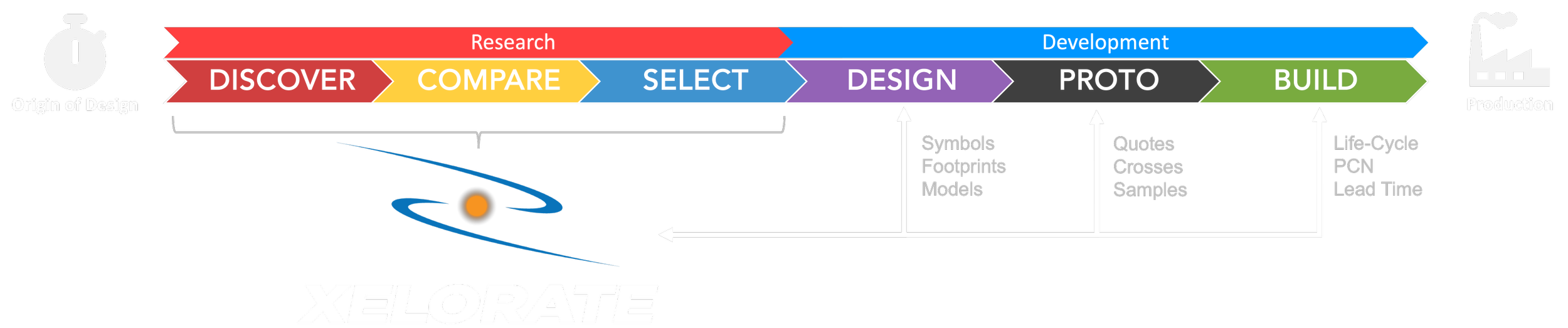
Supports everyone in the electronic part Signal Chain:

Engineering Teams
selecting parts to design new products.

Sales Agents
helping engineers find new parts + solutions, get design in support, and ensure readiness for Production Launch.

Purchasing Teams
working with Manufacturers and their Engineering Teams to go to Production.
Part Manufacturers
releasing new products to help customers build products that improve peoples lives.